What the free trial is
A new workspace starts on a free trial: the product on your own WhatsApp number, for a set number of days, with a free AI credit and nothing to pay us. How many days is on your screen rather than in this article: it can change, and your own trial is the one that counts.
A trial runs to the end of its last day, on your workspace’s time zone.
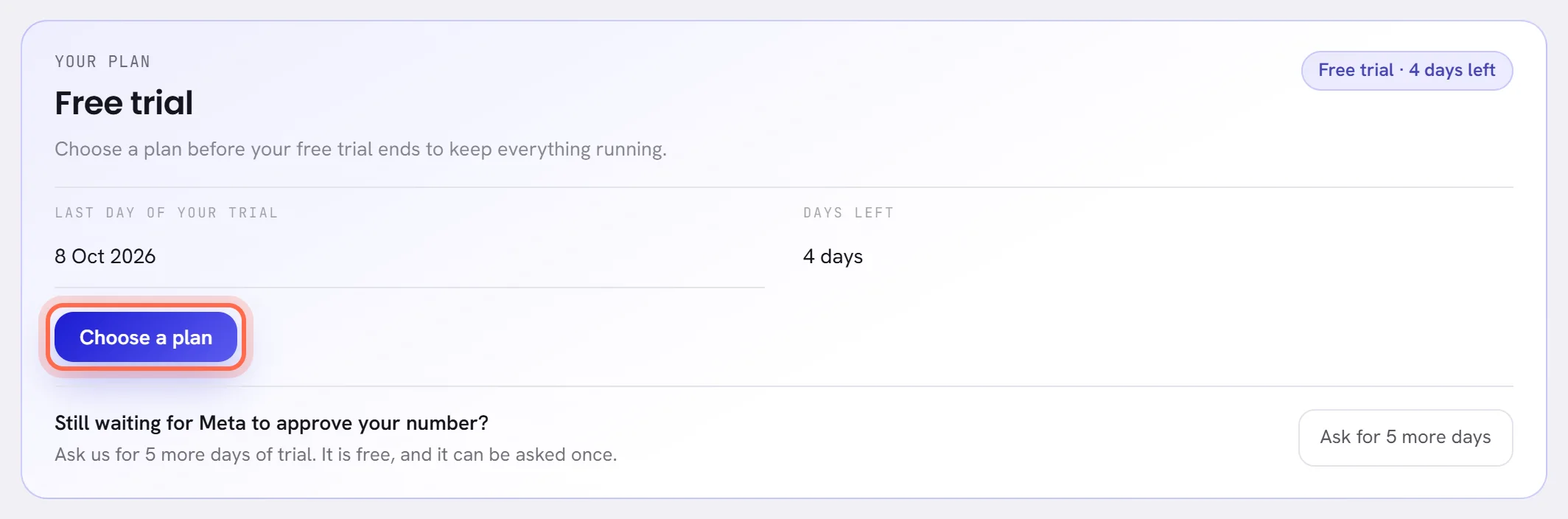
Where the days left are shown
- The badge under your workspace’s name in the menu, and in your account menu.
- A banner on every screen. In the last days it turns amber.
- Plan & billing in Settings: Last day of your trial and Days left.
- The bell, once a day in the last days, for the people who can choose a plan.
- An email to the workspace’s owner in the last days, and another when the trial ends.

The banner has Upgrade for the people who can choose a plan. Anybody else is told that somebody who manages the account can, and gets Plan & billing instead. Once a plan has been asked for, the banner says that it is requested and will be activated when the transfer arrives.
What a trial includes, and what it holds back
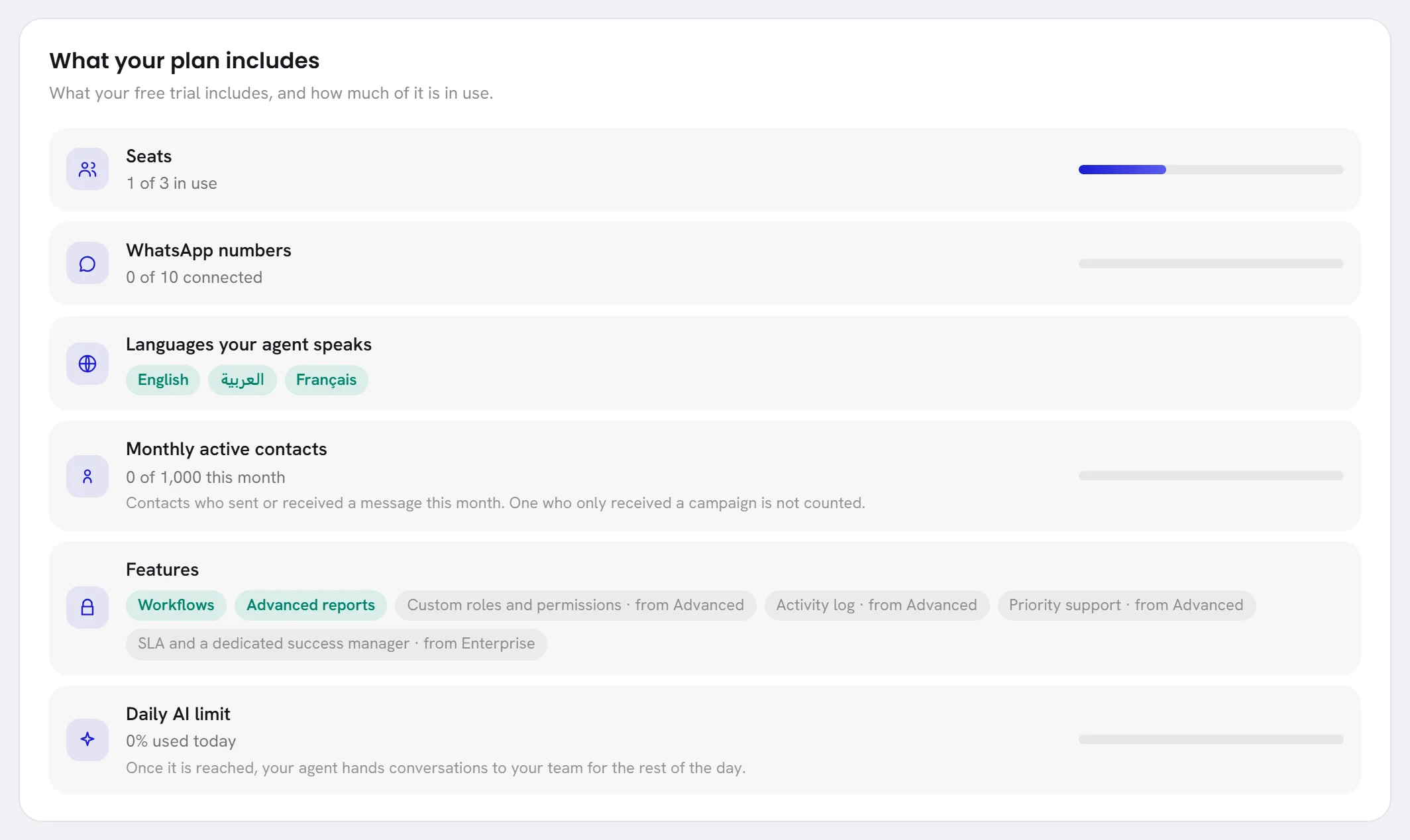
The card What your plan includes, on Plan & billing, lists what your trial has.
| What | During the trial |
|---|---|
| Users | A trial has its own number of users, written beside Seats and at the top of the Team screen. Everybody already in stays; more people come with a plan. |
| WhatsApp numbers | As many as the card says. |
| Features | Under Features: the plan-dependent features your trial opens, and for each of the others the plan it comes with. |
| AI | The AI wallet opens with a free credit the first time your agent is used: the line Free credit in Wallet history. It cannot be topped up during a trial. |
| Campaigns | A campaign can be written and saved. Sending it can wait for a plan: the campaign then says that a free trial writes campaigns and sends them once a plan is active. |
| WhatsApp charges | Not part of the trial. Meta bills you directly for the messages you send: see What WhatsApp charges. |

When the free credit is spent, your agent keeps answering on a small allowance and then pauses: see When the balance runs low. To add more, choose a plan.
Ask for more days
If Meta has not approved your number in time, you can ask us for more days, once. It is free.
Open Settings, then Plan & billing.
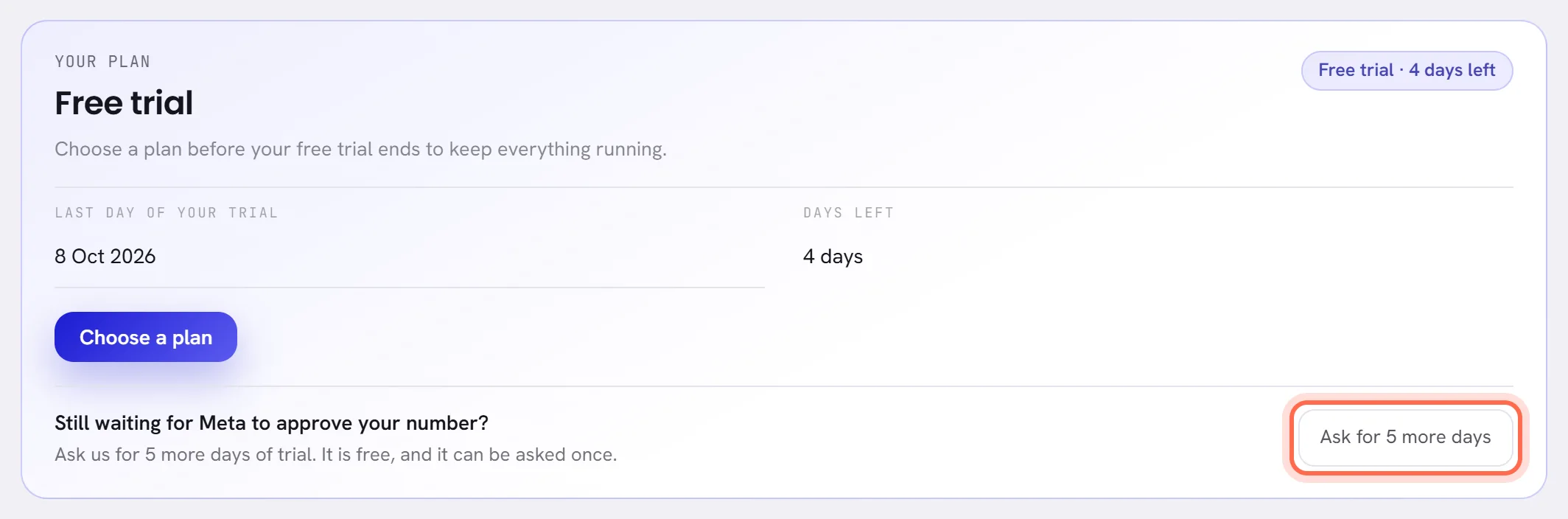
In the first card, under Still waiting for Meta to approve your number?, press the button that asks for more days.
The button, and the line beside it, say how many days.
A message, Asked, confirms it.
The card now says You asked for more days, with the day you asked. Our team reads every request.
When we give the days, the card says Your trial was extended.
The new last day shows on the card, the badge and the banner. The days are counted from the end of your trial, or from today if it had already ended, and a workspace that was paused opens at once.
The offer is there for people whose access includes The workspace and billing, as long as the trial has not been extended before.
When the trial ends
When the last day is over and no plan is active, the workspace is paused.
- Every screen leads to Plan & billing, which stays open. So do the Help panel, to ask us a question, and signing out.
- Your AI agent stops answering.
- Campaigns and workflows wait.
- Customers’ messages still arrive and are kept. Nothing is deleted.
- The badge turns red and says Trial ended. The banner says that the trial has ended and the AI is paused, with Choose a plan.
- The workspace’s owner is sent an email.
To carry on, choose a plan: see Choose or change a plan. Everything opens again the moment our team activates it. If you have not used your extra days yet, you can also ask for more days.
A trial with no end date
Some workspaces are on a free trial that has no end date. The badge says Free trial with no days, there is no banner, and Plan & billing says No trial end date. Nothing is locked or paused. Choose a plan whenever you are ready.
Questions
Is anything deleted when the trial ends?
No. Your contacts, conversations, agent and settings stay as they are, and customers’ messages keep arriving.
Can I choose a plan before the trial ends?
Yes, at any time. See Choose or change a plan.
Can I ask for more days twice?
No. A trial is extended once.
Does the trial cover what WhatsApp charges?
No. Meta bills you directly for the messages you send, trial or not.